SMM Panel for Facebook: Page Likes, Followers and Post Engagement Explained
Facebook services on SMM panels explained: page likes vs. followers, post engagement, the right links and a 4-week plan for new pages.
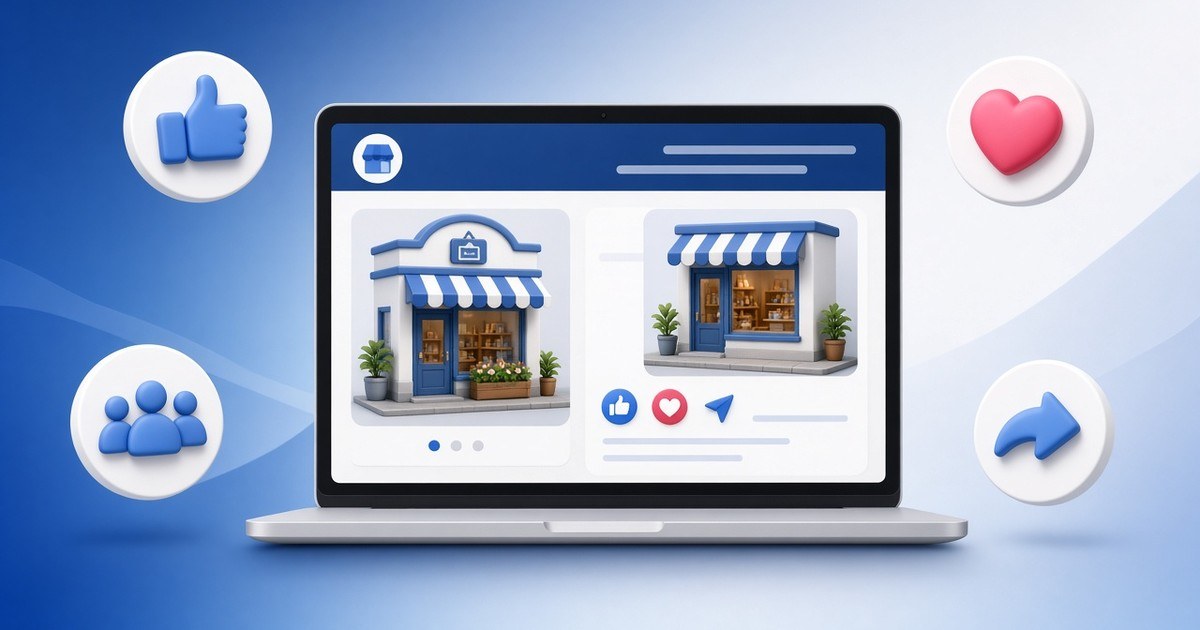
An SMM panel for Facebook is one of the most practical tools for local businesses, because Facebook is still where many customers check a shop, restaurant or service before they visit. This guide explains the Facebook services panels usually offer, the difference between page likes and followers, how to pick the right link and how to keep your page looking trustworthy.
Why Facebook Still Matters for Local Businesses
For many small businesses — especially in Nepal and across South Asia — a Facebook page works like a second website. People look at it to check opening hours, read reviews, see photos and decide whether the business is real. A page with a handful of likes and posts that nobody reacts to can make a genuine business look abandoned.
An SMM panel can give a page and its posts a foundation of social proof, so that real visitors take it seriously. It does not replace good photos, quick replies to messages and honest reviews, but it can help those things get noticed. If you are new to panels, start with what is an SMM panel?
Facebook Services You Will Commonly See
Page likes
The classic Facebook metric. Page likes show how many people have "liked" your page.
Page followers
Followers receive your updates in their feed. On modern Facebook pages, followers are often the more visible number.
Post reactions
Likes and other reactions (love, care, wow) on individual posts.
Post shares
Shares help a post look worth passing on.
Comments
A few relevant comments make a post feel alive. Use them sparingly.
Video and Reels views
Views for Facebook videos and Reels, useful for launch videos and promotions.
Group members and event responses
Some panels list services for groups or events. Read the description carefully, as these vary a lot.
Page Likes vs. Page Followers: Which Should You Buy?
This is the most common Facebook question we hear.
| Page likes | Page followers | |
|---|---|---|
| What it shows | People who liked the page | People who get updates |
| Where it is visible | Page intro and about section | Prominently on newer page layouts |
| Best for | Older-style pages and credibility | Modern pages and reach-focused goals |
Many newer Facebook pages display followers more prominently than likes. Check how your own page looks to visitors before you decide. If both numbers are shown, keeping them roughly in proportion looks more natural.
How to Copy the Right Facebook Link
Facebook links are trickier than most platforms.
- Page likes and followers: use your page's public URL, such as
https://www.facebook.com/yourpagename. - Post reactions, comments and shares: open the post itself, click the timestamp, then copy the URL from the address bar.
- Videos and Reels: open the video on its own page and copy that URL.
- Avoid mobile share links that contain long tracking codes if the service description asks for a direct link.
- Make sure the post is public (the globe icon), not friends-only.
Choosing a Good SMM Panel for Facebook
- Clear prices per 1,000 and visible minimums.
- Descriptions that say page vs. profile, since some services only work on pages.
- Start time and speed listed up front.
- Automatic refunds for partial or canceled orders — ours does this.
- No login required — never share your Facebook password or a login code.
- Local payments such as eSewa, Khalti and bank transfer. See SMM panel with eSewa and Khalti.
A Simple Facebook Plan for a New Business Page
Week 1: build the basics
Add a clear profile photo, cover image, address, opening hours, phone number and a short description. Publish five or six useful posts.
Week 2: add social proof
Add a modest number of page likes or followers and some reactions on your best posts so the page does not look empty.
Week 3: share real value
Post offers, behind-the-scenes photos and customer questions. Reply to every message quickly.
Week 4 and beyond: keep a rhythm
Post regularly and give important posts — launches, offers, events — a small engagement boost.
Mistakes to Avoid on Facebook
- Ordering page services on a personal profile link.
- Ordering on posts set to "Friends" instead of "Public".
- Buying thousands of likes for a brand-new page with no posts.
- Deleting a post while an order is running.
- Changing the page username during delivery.
- Ignoring messages — Facebook visitors often judge a business by response time.
Facebook and Other Platforms
Many businesses post the same content to Instagram. See best SMM panel for Instagram. If you are a local business deciding between panels and paid promotion, read SMM panel vs. paid ads.
Is It Safe to Use an SMM Panel for Facebook?
With a reputable panel, it can be low-risk if you never share your login, grow gradually and follow Facebook's community standards and terms. Facebook may remove engagement it considers inauthentic. Read more in are SMM panels safe?
Facebook Post Ideas That Turn Boosts Into Customers
A boost only helps if the post gives people a reason to act. These post types tend to work well for local businesses:
- A clear offer with a deadline, such as a weekend discount or a festival special for Dashain or Tihar.
- A before-and-after photo, ideal for salons, repair shops, tailors and cleaning services.
- A short video tour of your shop, café or workspace so people know what to expect.
- A customer question answered, like "Do you deliver to Lalitpur?" — real questions make the page feel helpful.
- Behind-the-scenes content showing how a product is made.
- A pinned post with your location, hours, phone number and how to order.
Put your engagement boost on the one or two posts most likely to bring messages or visits, rather than spreading it thinly across everything.
Frequently Asked Questions
Should I buy Facebook page likes or followers?
It depends on how your page displays them. Many newer pages show followers more prominently. Check your page as a visitor would see it.
Can I order for a personal profile?
Only if the service description says so. Many Facebook services are made for pages.
Why did my Facebook order fail?
The most common causes are a post that is not public, a wrong link, or a deleted post. On our panel, undelivered amounts are refunded to your balance automatically.
Do I need to give my Facebook password?
No. Only the public page or post link.
How fast do Facebook orders start?
Many start within minutes. Each service lists its typical start time.
Can I boost Facebook videos and Reels?
Yes, if the panel offers video or Reels view services. Use the video's own link.
Give Your Facebook Page a Stronger First Impression
Ready to make your page look as trustworthy as your business really is? Create your free account, add funds and start with a small order on your page or your best post. Prices per 1,000 and start times are shown before you pay.